Importing & Organizing Media: A Complete Beginner’s Guide
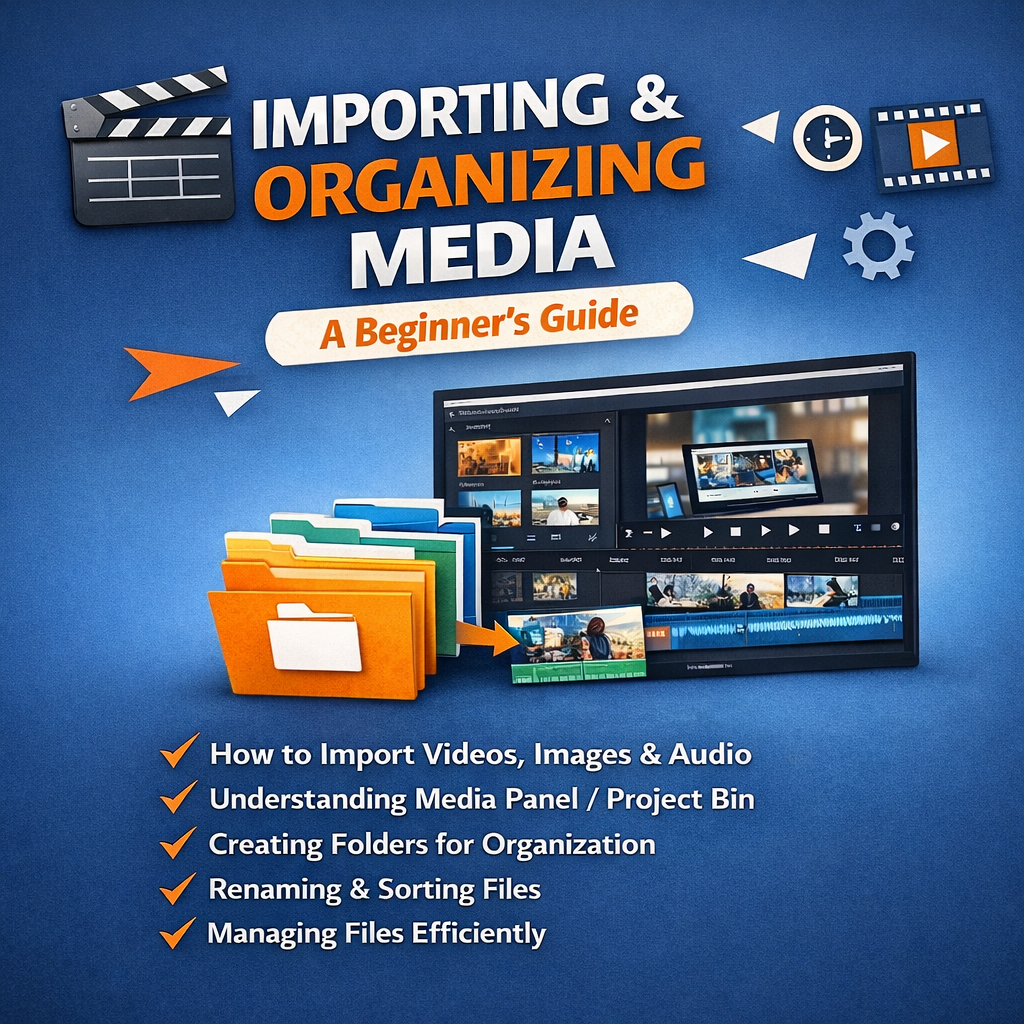
Importing and organizing media is one of the most important steps in video editing. Before you start cutting and adding effects, you need to properly import your video clips, audio files, and images into your editing software.
**What is Importing Media? **
Importing media means bringing your raw footage, music, graphics, and other files into the editing software. Most video editing tools allow you to import files using:
- File > Import option
- Drag and drop method
- Media browser panel
**Why Organizing Media is Important**
Organized media saves time and makes your editing process smooth. When files are properly arranged:
- You can quickly find clips.
- Your timeline stays clean.
- Editing becomes faster and more efficient.
**How to Organize Media Properly**
- Create folders for Video, Audio, Images, and Graphics.
- Rename your clips clearly (Example: Intro_Scene, Interview_Clip1).
- Use bins or folders inside the software.
- Delete unused or duplicate files.
**Benefits of Good Media Management**
- Professional workflow
- Less confusion during editing
- Faster project completion
- Better teamwork in collaborative projects
If you build the habit of organizing your media from the beginning, your editing skills will automatically improve and your projects will look more professional.
✨ Vlog Tip: Always organize your media before editing and make your video editing journey smooth with 3K Aryan Infotech! 🎬
Share This Blog
Categories
Digital Marketing / Graphic Design
View Blogs
Career Development
View Blogs
Digital Marketing / SEO
View Blogs
Web Development / Digital Marketing
View Blogs
Digital Marketing / Social Media Marketing
View Blogs
Website Security
View Blogs
Startup Branding
View Blogs
Website Design / UI UX Design
View Blogs
Graphic Design / Marketing / Business Promotion
View Blogs
Website Development / Website Maintenance
View Blogs
Graphic Design / Print Design / Marketing
View Blogs
Website Development / WordPress Development
View Blogs
Web Design / E-commerce
View Blogs
Website Design / Portfolio Website
View Blogs
Website Development / Landing Page Design
View Blogs
Website Development / SEO
View Blogs
Print Media Design
View Blogs
Graphics Designing Traning
View Blogs
Business Website Offer
View Blogs
Responsive Design
View Blogs
Social Media Design
View Blogs
Video Editing Services
View Blogs
Business Branding
View Blogs
Graphic Designing Services
View Blogs
Graphic Designing
View Blogs
Digital Marketing Training
View Blogs
Video Editing Service
View Blogs
Business Analytics Decision Making: How Data Turns Insights into Smart Business Growth
View Blogs
Complete Digital Growth Solutions for Businesses in India – Powered by 3Karyan Infotech
View Blogs
“How AI Automation Is Transforming Small Businesses in India”
View Blogs
Data-Driven Decision Making for Business: A Complete Guide to Smarter Growth
View Blogs
Email Marketing
View Blogs
SEO
View Blogs
Website Design and Website Development
View Blogs
Containt Writting
View Blogs
Website Design
View Blogs
Career Guidance
View Blogs
Graphics Designing in Patna
View Blogs
Digital marketing
View Blogs
Digital marketing services
View Blogs
All Services
View Blogs
Digital Marketing In Patna.
View Blogs
Video Editing
View Blogs
Brand Trust
View Blogs
Graphics Designing
View Blogs
Face book ads
View Blogs